A guest looking for a three-night stay in your city will open and close twenty listings in the time it takes to read this sentence. They're not reading descriptions. They're not comparing amenities. They're making a binary judgment — worth clicking or not — from a thumbnail image that's smaller than a playing card.
That thumbnail is why Airbnb photography matters. And "matters" undersells it: photos are the entire first impression of your listing, and first impressions in search are made at a resolution that makes everything else irrelevant until a guest decides to click.
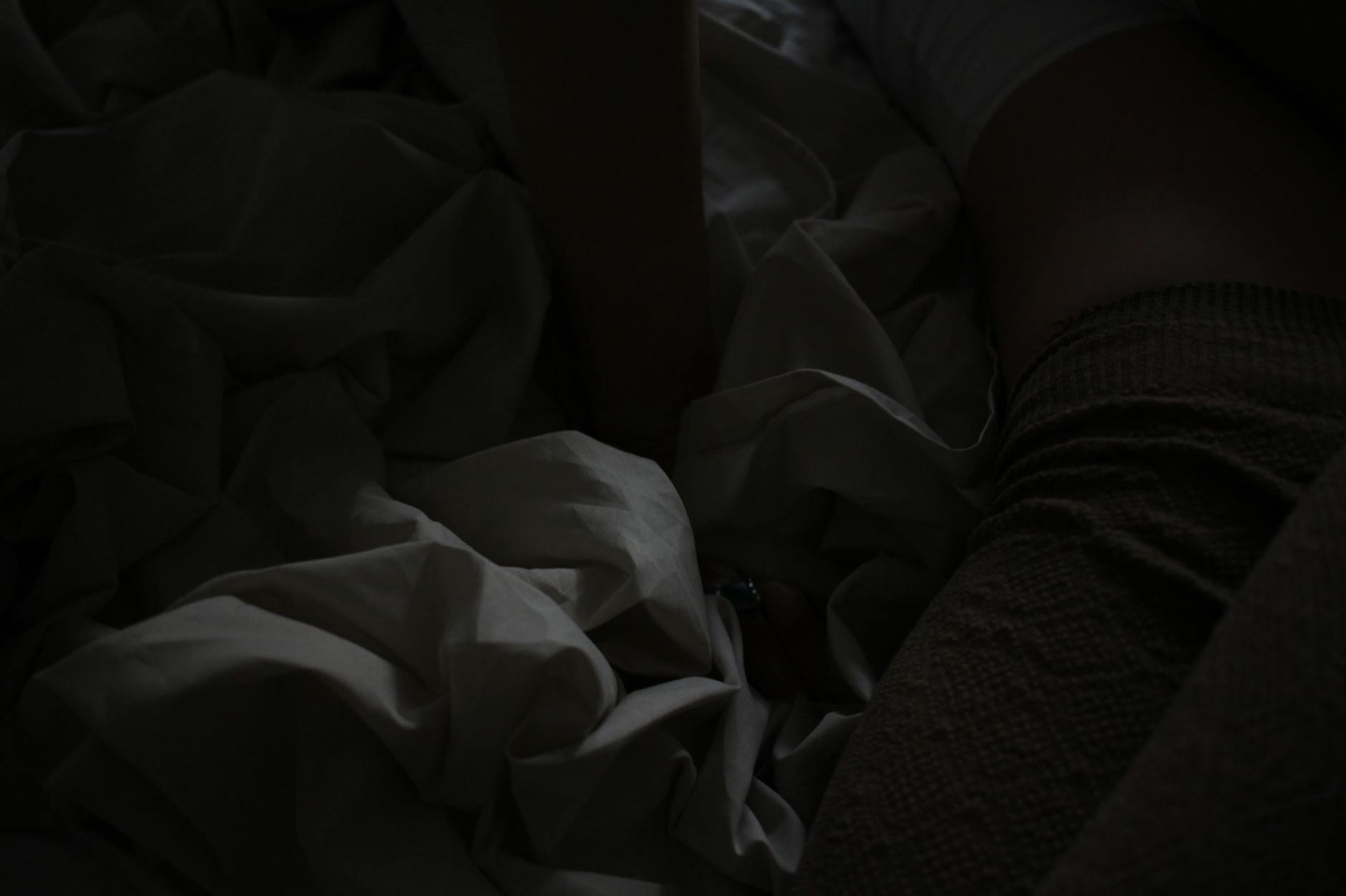 Before
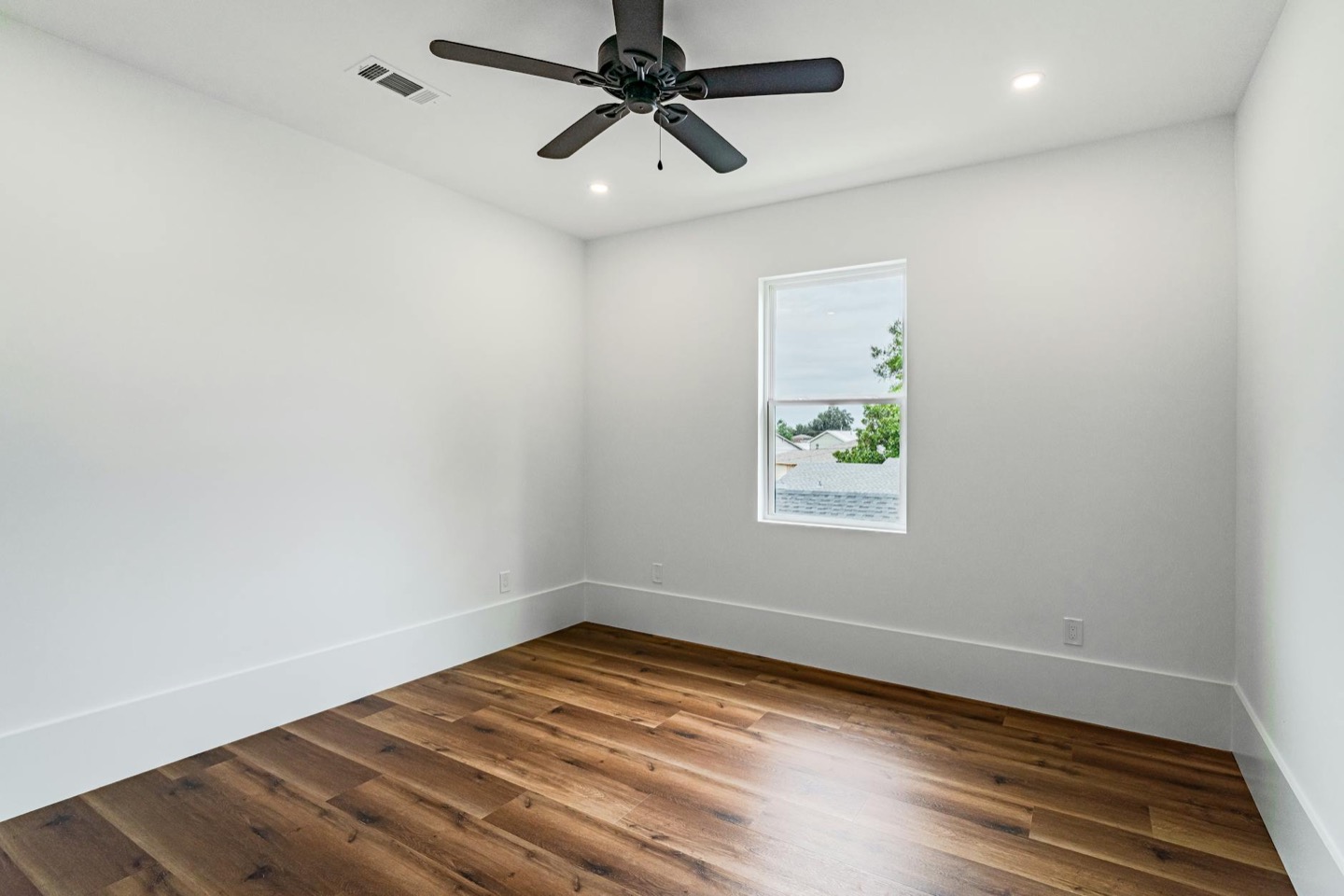 After
AfterWhat guests actually do
Airbnb's own research indicates that a guest booking a leisure stay visits an average of 12 listings before booking. In a competitive market, that number is higher. The session typically looks like this:
- Search results. The guest sees thumbnails. They scroll fast and click the ones that catch their eye. Listings that don't get clicked don't get booked.
- First click. They open the listing and see the first photo full-size. If it doesn't confirm the promise of the thumbnail, they go back.
- Photo scroll. If the first photo holds, they scroll through the gallery. Poor photos — dark, cluttered, mismatched — kill conversions at this stage.
- Read. Only after photos do guests read the description, check amenities, and look at reviews.
Notice where photos appear in that sequence: steps 1, 2, and 3 — three of four decision gates before a guest considers anything else. Reviews matter. Price matters. Location matters. But all of those come after photos have already filtered most listings out.
The thumbnail problem
Most hosts look at their photos on a laptop or large screen, where they look fine. They look at them in the listing view, where they look fine. They don't look at them the way a guest in search actually sees them: as a 200-pixel-wide thumbnail on a phone screen.
At thumbnail size, the following become invisible:
- Furniture details and quality
- Accessories and styling choices
- Text or graphics anywhere in the photo
- Subtle color differences
What remains visible at thumbnail size:
- Light vs. dark (bright rooms stand out; dark rooms disappear)
- Warm vs. cool (warm rooms read as inviting; cool rooms read as clinical)
- Clear vs. cluttered (a clear focal point clicks; visual chaos doesn't)
- Color palette (a cohesive palette pops; mismatched furniture blends into noise)
This is why a freshly staged, warmly lit room photograph outperforms a better-furnished but poorly lit one in search results. The camera doesn't care about your furniture quality at thumbnail size — it cares about light and clarity.
What the numbers show
The data is consistent across multiple studies and Airbnb's own platform data:
- Listings with professional-quality photography get up to 24% more bookings than listings without (Airbnb internal data)
- Staged short-term rentals command 20–40% higher nightly rates than comparable unstaged units (Home Staging Institute)
- Listings that update photos see an average 18% occupancy lift in the 30 days following the upload, driven by the platform's visibility boost for fresh content
On a practical level: if your listing runs at $175/night and 65% occupancy, a 20% occupancy lift adds ~$19,600 per year before any rate increase. Adding a $25/night rate increase (supported by the improved visual quality) pushes that to roughly $28,000/year. That's the financial case for a weekend of staging and a new photo session.
Why reviews don't substitute for photos
A common mistake: hosts with excellent reviews assume that social proof will compensate for weak listing photos. It doesn't — not at the top of the funnel.
Reviews are decision support, not discovery. A guest who's already opened your listing, liked the photos, and is comparing you to one other option will use your review rating to make the final call. A guest who never clicked your listing because the thumbnail looked dark never sees your five-star average.
This means that every day your photos are suboptimal, you're losing bookings from guests who would have rated you five stars if they'd ever arrived. The guests you're missing aren't the ones who arrive and are disappointed — they're the ones who never click.
The quality bar has risen
In 2018, Airbnb photos taken with an iPhone in decent light were competitive. In 2026, the supply of well-photographed listings has grown substantially in most markets. Professional Airbnb photography services exist in most cities. Phone cameras are better. And the design quality of competing listings has increased as more hosts treat their STR as a business.
The result: the baseline for "photos good enough to be competitive" is higher than it was. A listing that was above average in 2020 may be below average now, with no changes made — just because the market around it improved.
This doesn't mean you need to hire a professional photographer. It means the staging, lighting, and composition decisions that produce good photos matter more now than they did.
What actually improves listing photos
The highest-leverage changes — in order of impact:
1. Light. Replace every cool-white bulb with 2700K warm LEDs. Shoot with all lamps on, overhead off. Shoot during the room's best natural-light hour. This one change is responsible for more photo transformations than any single purchase.
2. Room design. Warm-neutral paint, cohesive textile palette, natural materials. The room's visual coherence is what registers at thumbnail size — not individual furniture pieces.
3. Surface clearing. Remove 60–70% of decorative items from every surface visible in photos. Luxury spaces have fewer objects, not more.
4. Composition. Shoot from corners, not from the center of walls. Use a third of the frame for floor space to communicate room size. Never use the ultra-wide lens for room photos.
5. Cover photo selection. Choose the cover photo for how it reads at 200px thumbnail size — bright, warm, clear focal point — not for how much of the room it shows.
Staging before photographing
The fastest path to better photos isn't hiring a better photographer. It's giving a photographer (or your iPhone) a better room to shoot. The design decisions — palette, textiles, furniture arrangement, light sources — determine the ceiling of what the photos can achieve.
This is why designing before staging is the step that saves money: you see the finished room before buying anything, confirm it photographs correctly, then execute. One well-planned session produces photos that hold for years. Iterating by trial-and-error produces photos that look like you're trying — which is the opposite of the effortless quality guests respond to.
See your listing styled for better photos before spending anything on staging. See pricing here or scope the full room with the design planner.
See what your listing looks like styled for photos that actually click
Upload one photo. Three variants, a shopping list, and a clear sense of what changes before spending anything.
See My Listing Styled$29 per additional room · One-time · No subscription
FAQ
Does Airbnb still offer free professional photography? Airbnb's free professional photography program has been reduced in availability since 2022 and is now available only in select markets. Most hosts need to arrange photography themselves. The combination of good staging and an iPhone with the right technique produces competitive photos in most cases.
How often should I update my listing photos? After any significant staging change. Also worth doing annually in competitive markets — styles shift, and photos that looked current in 2023 may read as dated now. When you update, Airbnb gives fresh photos a visibility boost in the first week.
My listing has 4.9 stars and still underperforms. Why? Almost always a click-through problem rather than a conversion problem. Check your Airbnb host dashboard: if views are lower than you'd expect relative to your market, the cover photo is the bottleneck. If views are decent but conversion is low, the listing copy or pricing is the issue. A dark or cluttered cover photo is the most common cause of unexpectedly low view counts.
What's the fastest change I can make today? Replace the cover photo with the brightest, warmest, most uncluttered room photo you have. Immediately. Before any staging or reshooting, whatever your best existing photo is should be the cover. Then plan the restyle.